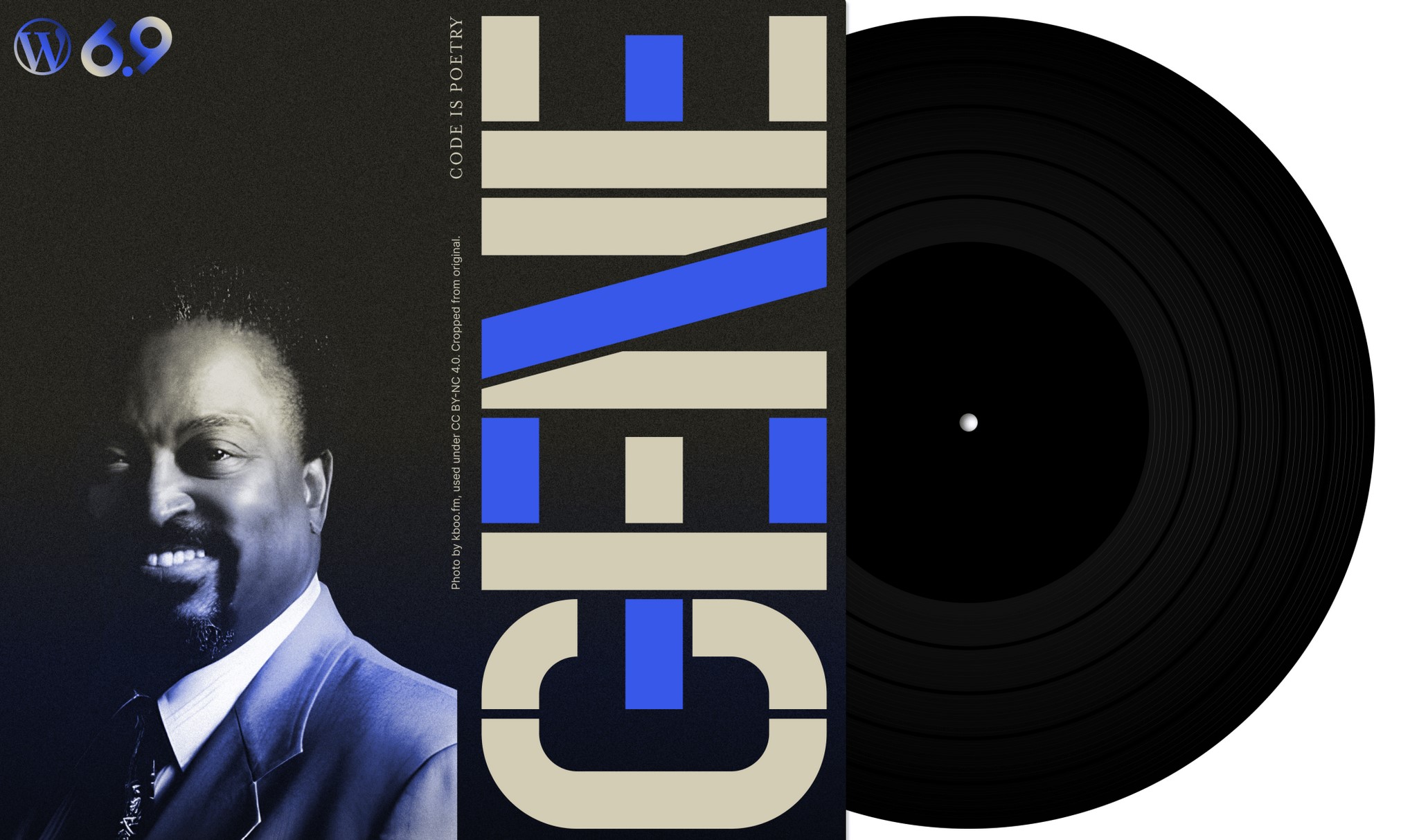
WordPress 6.9 Gene officially launched on December 2, 2025, marking the second and final major release of the platform for the year. This update introduces substantial improvements across collaboration, content creation, and development infrastructure without introducing a new default theme. The next default theme, Twenty Twenty-Six, is scheduled for release in 2026.
The most significant addition in WordPress 6.9 is the block-level Notes feature, which enables editorial teams to attach comments directly to individual blocks within the editor. This functionality allows administrators and editors to leave threaded feedback similar to collaborative document platforms. Team members receive email notifications when notes are added and can reply within the same thread. Notes remain private to the editorial team and never appear on the public-facing website. This feature represents the beginning of Phase 3 of the Gutenberg Project, which focuses on collaborative workflows.
WordPress 6.9 expands the core block library with several new additions that eliminate the need for third-party plugins. The Accordion block allows users to create collapsible content sections natively, supporting anchor links for direct navigation to specific sections. The Terms Query block displays dynamic lists of categories, tags, or custom taxonomies with automatic updates as content changes. The Math block supports LaTeX and MathML standards for displaying mathematical equations. The Time to Read block calculates and displays estimated reading time for posts, while the Word Count block shows total word count. Both metrics can be displayed independently or together.
A new block visibility feature allows users to hide individual blocks from the front end while keeping them visible in the editor. This functionality supports content drafting, seasonal preparation, and layout experimentation without requiring separate pages or plugins. Hidden blocks can be toggled back to visible status at any time through the List View or block toolbar.
The platform now offers improved drag-and-drop functionality that allows users to move blocks more intuitively without locating specific drag handles. Stretchy text blocks for headings and paragraphs automatically resize content to fit containers across different screen sizes. The Button block now includes an option to use the semantically correct button HTML element instead of anchor tags, improving accessibility for screen readers and assistive technologies.
WordPress 6.9 extends the Command Palette functionality beyond block themes to classic themes and makes it accessible throughout the entire WordPress dashboard. Users can press Command+K on macOS or Ctrl+K on Windows to quickly navigate settings, search for options, or create new content without clicking through multiple menus.
The release introduces significant artificial intelligence infrastructure through three major components. The Abilities API provides a machine-readable registry of WordPress capabilities, allowing plugins and themes to register their functions with clear inputs, outputs, and permissions. The MCP Adapter serves as a bridge connecting the Abilities API with the Model Context Protocol specification, enabling AI agents to communicate with WordPress installations through standardized connections. The PHP AI Client simplifies AI integration for developers by supporting multiple AI providers and managing credentials centrally.
Performance improvements in WordPress 6.9 include optimized CSS loading for classic themes, which now only loads styles for blocks actually used on each page. Scripts for features like emojis have been moved to the footer to reduce render-blocking and improve Largest Contentful Paint scores. Scheduled tasks now run at shutdown rather than during page loads, preventing slowdowns for site visitors.
Email functionality has been enhanced with support for inline images through the wp_mail function. Password resets, user notifications, and receipts can now include images directly in message bodies rather than displaying broken image icons. The platform also adds beta support for PHP 8.5, ensuring compatibility with the latest server environments.
Additional developer-focused enhancements include improvements to the Interactivity API with Fetch Priority support, Block Bindings API filters for determining which block attributes can be dynamically bound, and removal of legacy Internet Explorer conditional code. The Navigation block now allows users to create draft pages directly from the menu editor, streamlining site structure development.